Fast POS Billing
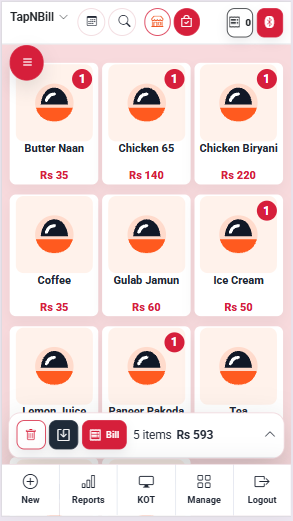
- Tap item images or list rows
- Dine-in and takeaway orders
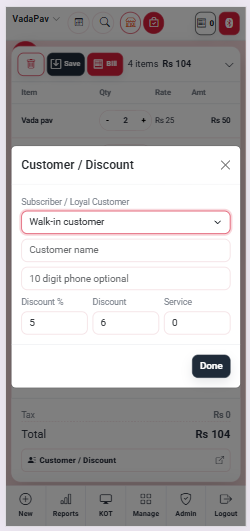
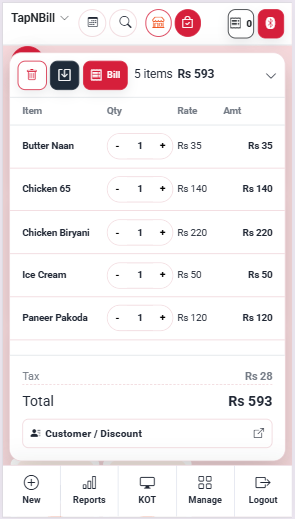
- Discount, tax and payment status
Restaurant POS Software in India
TapNBill is a simple restaurant billing and POS system for dine-in, takeaway and delivery operations. Manage tables, food items, KOT, QR menu ordering, staff permissions, inventory, receipts and sales reports from one web POS.



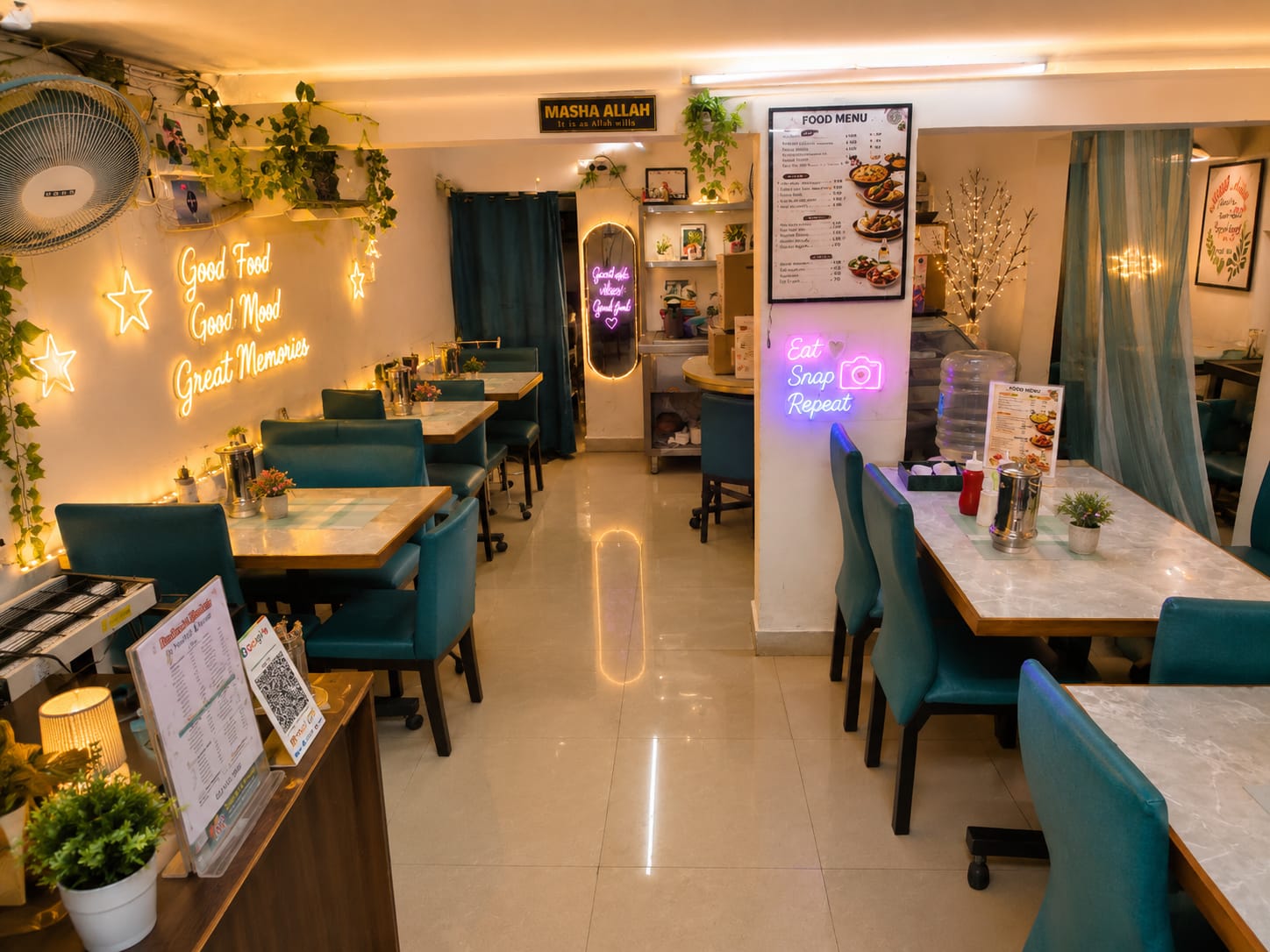
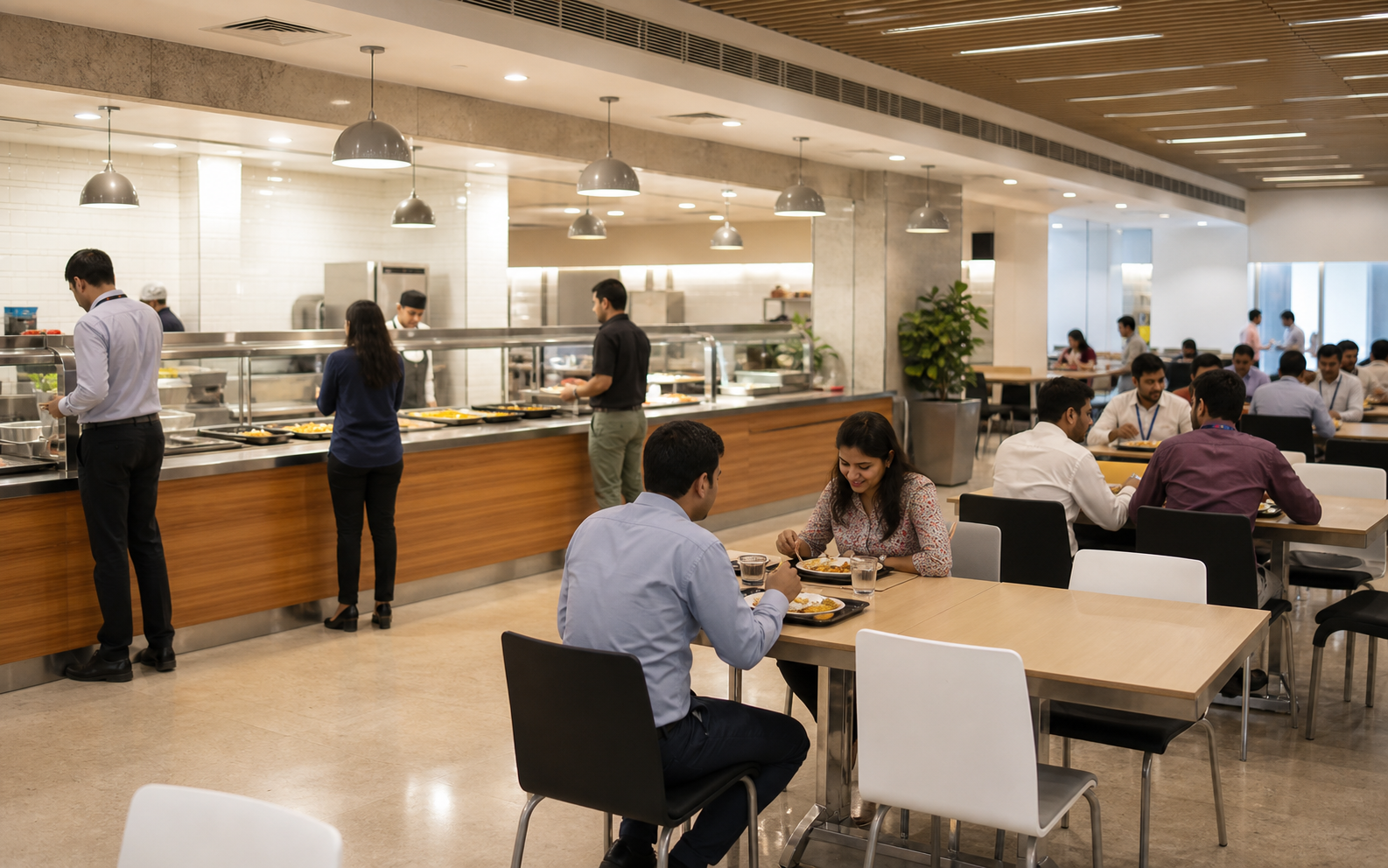
TapNBill brings restaurant billing software, point-of-sale operations, kitchen order tickets (KOT), table management, QR menu ordering, inventory and reporting together. It is designed for restaurants, cafes, food courts, office canteens and food counters that want a straightforward POS workflow.
From restaurant billing and KOT to tables, inventory, receipts and sales reports, TapNBill covers the daily workflow in one place.
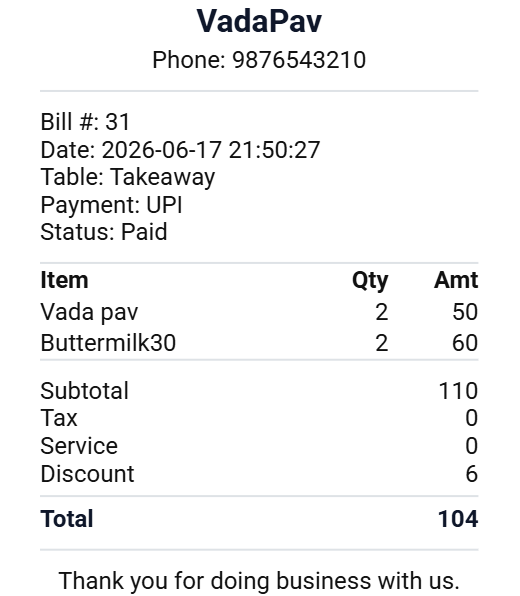
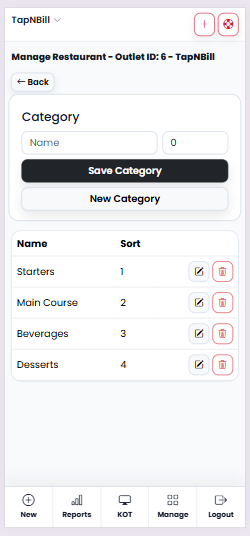
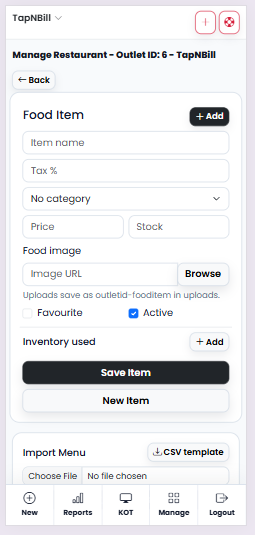
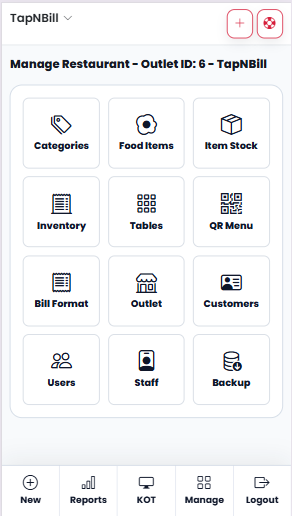
These snapshots show the main TapNBill working areas: billing, table flow and receipt output.
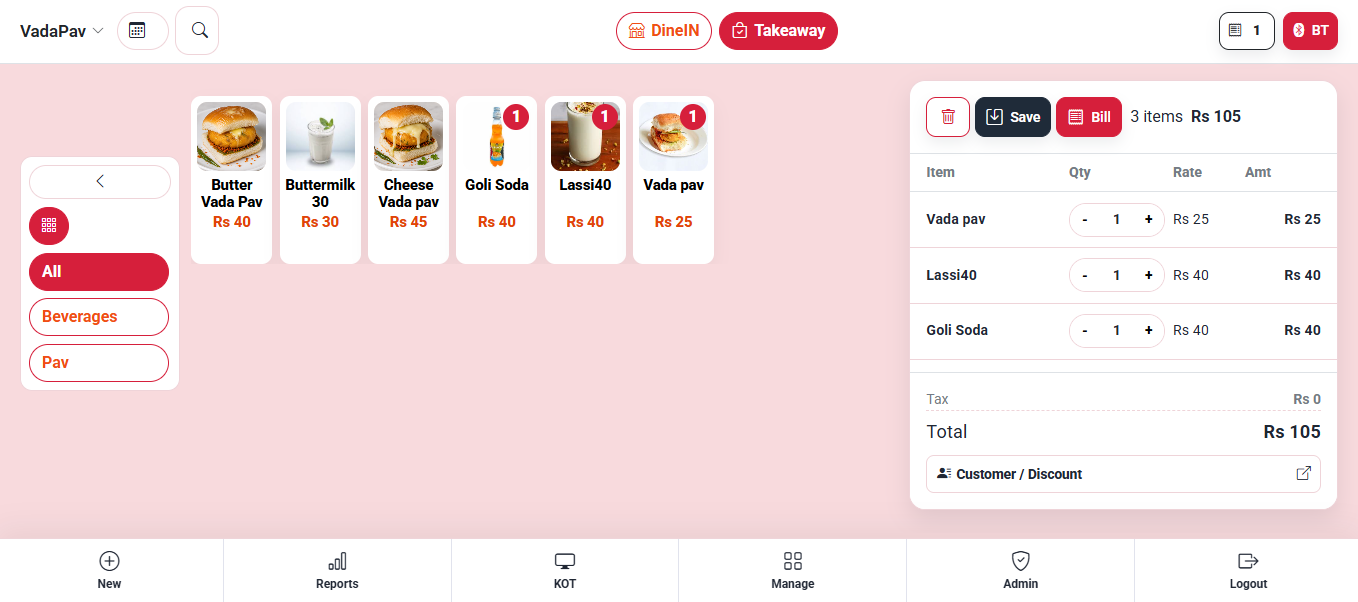
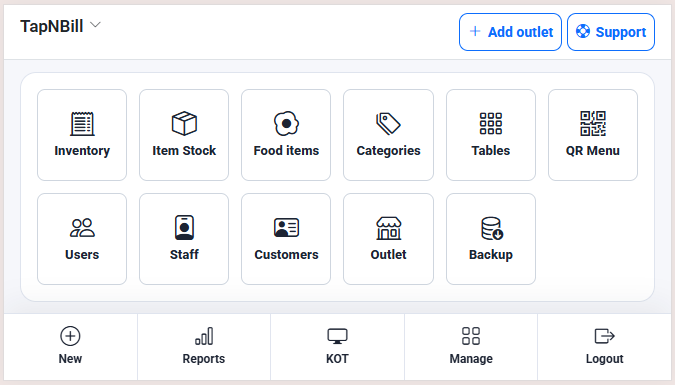
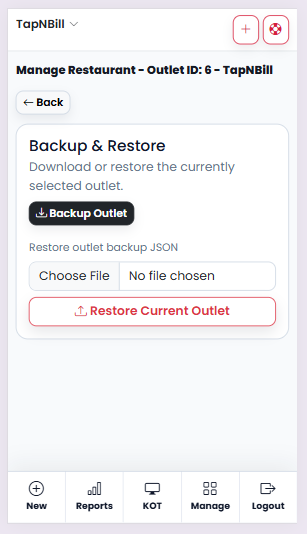
More TapNBill screens from setup, billing, payments and management workflows.
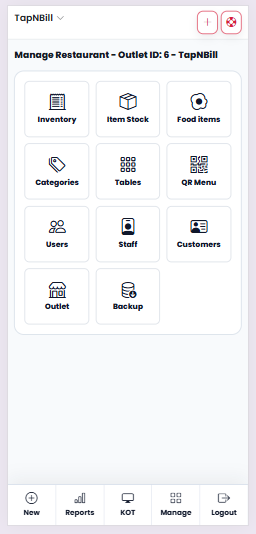
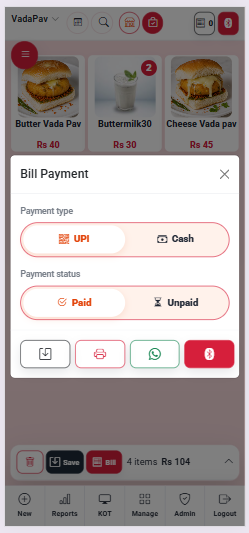
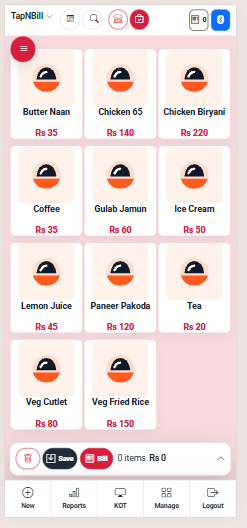
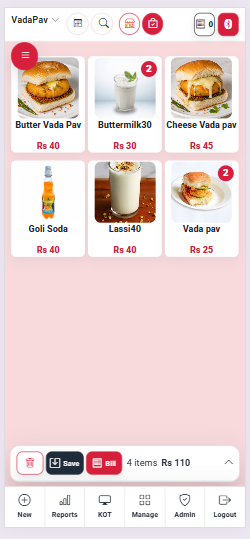
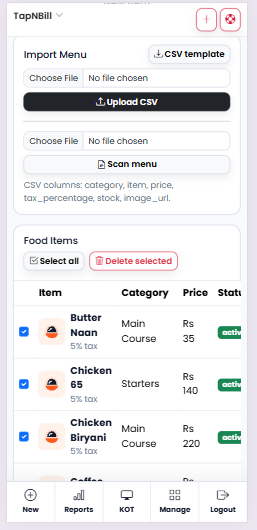
Each person gets a focused workflow so orders move cleanly from table to kitchen to bill.
A simple daily operating flow for restaurant teams.
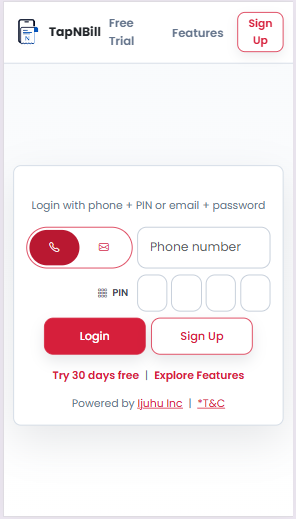
Sign in and choose your outlet.
Select a table, category and item.
Check items, quantity and totals.
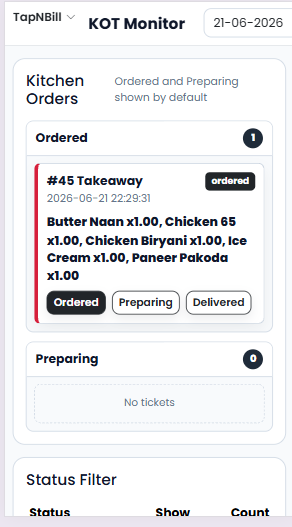
Send KOT and update kitchen status.
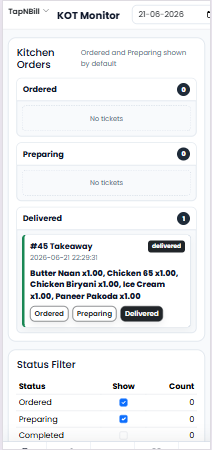
Mark dine-in served or delivery done.
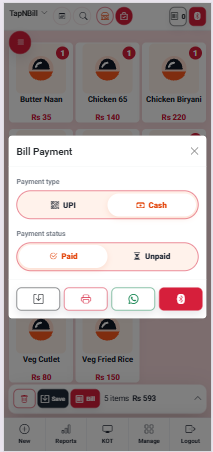
Print, save or share the bill.
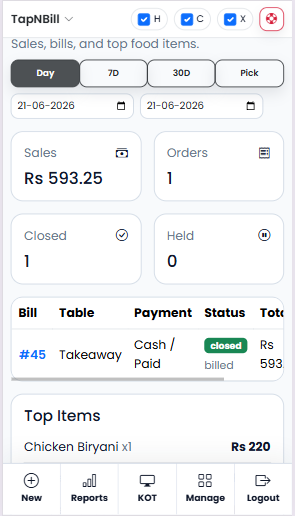
Review sales and top items.
Update outlets, staff and stock.
Use TapNBill for everyday restaurant operations without adding unnecessary complexity.
Create dine-in and takeaway bills, manage payments, discounts and taxes, then print or share receipts.
Send kitchen order tickets and track preparing and completed orders so the counter and kitchen stay aligned.
Support digital menu and QR-based ordering workflows while keeping restaurant billing connected to the POS.
Organize categories, food items, images, favourites and stock information from the management workflow.
Give owners, administrators and billers the access they need while keeping operational permissions controlled.
Review daily sales, held bills and top-selling items to understand restaurant performance.
Common answers for setup, daily use and printing.
Yes. The default restaurant setup includes T1, T2 and Takeaway. More tables can be added from management screens.
Browser printing can print receipts, but direct Bluetooth thermal printing is more reliable from a native Android or Flutter app.
Yes. Owner, secondary admin and biller roles are supported with item, stock and inventory permissions.
Yes. PHP and MySQL hosting is suitable for the web app and PHP API approach.
The web app depends on the server. Offline billing is best added in the Android app using local storage and sync.
Share a WhatsApp download link for your restaurant team.
Use the support form for problems and the feature form for new ideas or additions.